

The best TubeMagic features help faceless YouTube creators handle time-consuming tasks. These include finding video ideas, writing scripts, and organizing content.
CONTENTS
- 1. AI-Powered Video Idea Generator
- 2. TubeMagic Keyword Research for Better Video Topics
- 3.Writing Better YouTube Titles With TubeMagic
- 4. Best TubeMagic Features for Creating YouTube Scripts
- 5.Building Stronger Video Outlines With TubeMagic
- 6. Best TubeMagic Features for Improving Video Descriptions
- 7.Discovering Related Video Topics With TubeMagic
- 8.Planning a Consistent Content Calendar With TubeMagic
- 9.Improving Channel Consistency With TubeMagic
- 10. Best TubeMagic Features for Reviewing Content Before Publishing
- Final Thoughts on the Best TubeMagic Features
. By using TubeMagic, these creators can manage their workflow and set up an efficient system using just one tool instead of many.
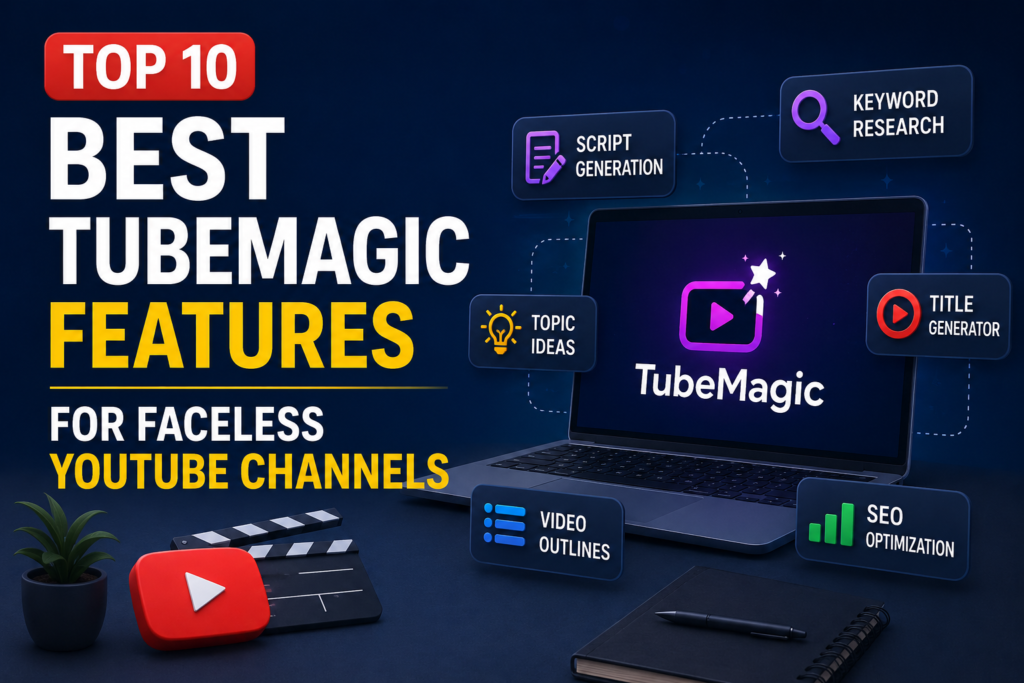
TubeMagic is a powerful tool for faceless YouTube channels, with features to support content planning, increase productivity, and make video publishing easier and more consistent. This guide explains the best TubeMagic features for each goal.
1. AI-Powered Video Idea Generator
TubeMagic can generate video ideas for faceless creators. Even the best creators have times when they are stuck for ideas and can end up spending hours coming up with the same video ideas in the end.
TubeMagic can generate several ideas around one topic. Creators can then choose the strongest options and turn them into tutorials, comparisons, reviews, list videos, or educational content.
A good video idea isn’t just interesting to watch. It should solve a problem, answer a question or give a good enough reason for people to click on your video.
2. TubeMagic Keyword Research for Better Video Topics
TubeMagic includes YouTube keyword research for faceless creators. It can uncover useful search terms, audience questions, and potential future video topics.
TubeMagic keyword research can make content planning more focused. Instead of guessing, you can find terms people already search for. Then use those keywords to guide your title, script, description, and overall topic.
TubeMagic keyword research is probably best used in conjunction with your audience’s intent when choosing a video topic for a faceless YouTube channel. While search volume for a keyword is a good indicator, it does not guarantee suitability for a channel such as mine, nor does it guarantee the right audience will be attracted to your video. I use TubeMagic to refine very broad video ideas into more relevant video topics, to reduce repetition of similar video topics and most importantly to write natural sounding content that is all on topic with your main keyword.
3.Writing Better YouTube Titles With TubeMagic
TubeMagic can generate title ideas around a topic or keyword. This helps faceless creators turn broad ideas into clear, focused titles that match viewer interest.
The strongest titles will be a mix of relevant and curious. You can generate lots of different title angles with TubeMagic. But in the end you have to pick one that fits your video. The title has to promise the viewer a benefit, has to be of interest to them and not sound too promotional or misleading in comparison to the actual script.
TubeMagic lets you compare several title options before publishing. Check their length, clarity, relevance, and usefulness. Most importantly, choose the title that best matches audience intent.
4. Best TubeMagic Features for Creating YouTube Scripts
TubeMagic can turn video ideas into script drafts quickly. This gives faceless creators a useful starting point. It can also make introductions, structure, and overall script organization easier.
Using the script feature at TubeMagic is most efficient if you use it to start creating your YouTube scripts. Make sure to first create a strong hook to begin with. Then check your script should be stripped of any repeated words and phrases. Also make sure that all facts in your script are up to date. Lastly check the tone of your script. It has to sound natural when read out loud. The goal of a good YouTube script is to lead the viewers step by step through the message of your video from beginning to end. Therefore the script should not be too long and should definitely not sound too robotic.
TubeMagic can also support the editing process. You do not need to use the generated script exactly as written. Instead, treat it as a foundation for the final video.
. So the faceless YouTube creator can work from the already existing structure of the script, improve the transitions to the individual sections and add examples of how the plan can be put into practice that are suitable for the audience of his YouTube channel.
5.Building Stronger Video Outlines With TubeMagic
TubeMagic makes a broad topic for a video into a clear video outline that faceless YouTube creators can use to organize the main points of their video in a script before they start writing.
A good outline should move clearly from the hook to the main points and conclusion. TubeMagic can organize the structure, but you should still review it. Remove unnecessary parts, combine repeated ideas, and keep every section focused on the main topic.
Outlining with TubeMagic’s best features for outlining speeds up your video production. With a clear structure of your video in place before you start writing, you can make your voiceover, plan your visuals, and keep your video on track from start to finish.
6. Best TubeMagic Features for Improving Video Descriptions
I found TubeMagic’s description functionality to be really powerful as well. For “faceless” channels, writing video descriptions in script form and then summarizing them in a concise “description” to support the video’s main keyword will save so much time!
A strong description tells viewers what they will learn without repeating the title word for word.
TubeMagic will allow you to organize and include in the video description the main points of the video as well as other relevant terms. You should however always remove generic wording from the video description and that each sentence of the video description accurately reflects the content of the video.
The TubeMagic features for the video descriptions can also be used to create consistent descriptions for your Tube channel. In the TubeMagic optimized descriptions of your uploads, you can include information relevant to the upload as well as information related to the upload and a good reason for your viewers to continue watching your videos.
7.Discovering Related Video Topics With TubeMagic
TubeMagic is ideal for expanding one main idea into several video topics, i.e. into video content for faceless YouTube channels, which aim to create topic clusters rather than single, unrelated videos with no content direction.
The tool can find related questions, angles, and ideas for the same audience. You can turn these into separate videos that support one main topic.
For example, a single main topic can be turned into a series of different videos covering the same topic such as: beginner’s guide, common mistakes, comparisons, case studies and step-by-step tutorials.
Using the best TubeMagic features for topic discovery helps with long-term planning. When related videos are created, there are many reasons for the viewers of your video(s) to watch your next video. This will make your channel easier to organize and manage.
8.Planning a Consistent Content Calendar With TubeMagic
TubeMagic can help organize a content calendar for faceless channels. Group related topics, prepare ideas and scripts in advance, and plan production tasks before publishing.
TubeMagic can help organize related topics into a content calendar. It also lets creators prepare ideas in advance and build a stronger sequence of videos.
. Instead of randomly choosing the next video to upload, the creator can create a content calendar for uploading videos on a weekly or monthly basis.
TubeMagic can help you prepare scripts, voice-overs, graphics, and thumbnails in advance. This reduces last-minute decisions and helps prevent repeated video ideas.
9.Improving Channel Consistency With TubeMagic
One of the best TubeMagic features is its ability to help creators maintain a more consistent style across their videos. For faceless YouTube channels, consistency matters because viewers need to recognize the structure, tone, and value of the content even when there is no on-camera personality.
We support the creators in their repetition of useful patterns in titles, scripts, outlines and descriptions by not using the same words of copy. Thus, while creating a familiar situation, every video can still have a different slant.
A consistent TubeMagic workflow can make production easier over time. Instead of starting from scratch, you can focus on quality, pacing, and audience relevance.
10. Best TubeMagic Features for Reviewing Content Before Publishing
TubeMagic can help review a video before publishing. Check whether the topic, title, outline, script, and description all support the same main idea.
The final review of TubeMagic can help identify weak transitions, repeated points, unclear wording and deviating sections from the keyword. TubeMagic is not meant to replace human judgment. However, it can make the review process more structured and repeatable.
Applying the best TubeMagic features before you publish the video can also help create more consistency for your channel. By checking and fine-tuning basic features of every video before you publish it, you’ll create content that’s focused, well-organized and aligned with your audience’s intent.
Final Thoughts on the Best TubeMagic Features
The best TubeMagic features can save time and make content planning easier. They can support keyword research, title generation, scriptwriting, outlining, and content planning before publishing.
However, TubeMagic works best when creators treat it as a support tool rather than a complete replacement for strategy and judgment. Every idea, title, and script should still be reviewed to make sure it fits the audience, reflects the channel’s style, and delivers real value.
Use TubeMagic to create a strong starting point. Then add original examples, verify the facts, and refine the content around viewer intent. This keeps production efficient without sacrificing quality.

